
Mock Data Generator
Mock Data Generator
Section titled “Mock Data Generator”Mock Data Generator allows you to quickly generate realisitic sample data for your database, whether it be for testing or for benchmarking your table.
WizQl supports more than 50 different types of data generation modules so that you can generate the data you require.
Using the Generator
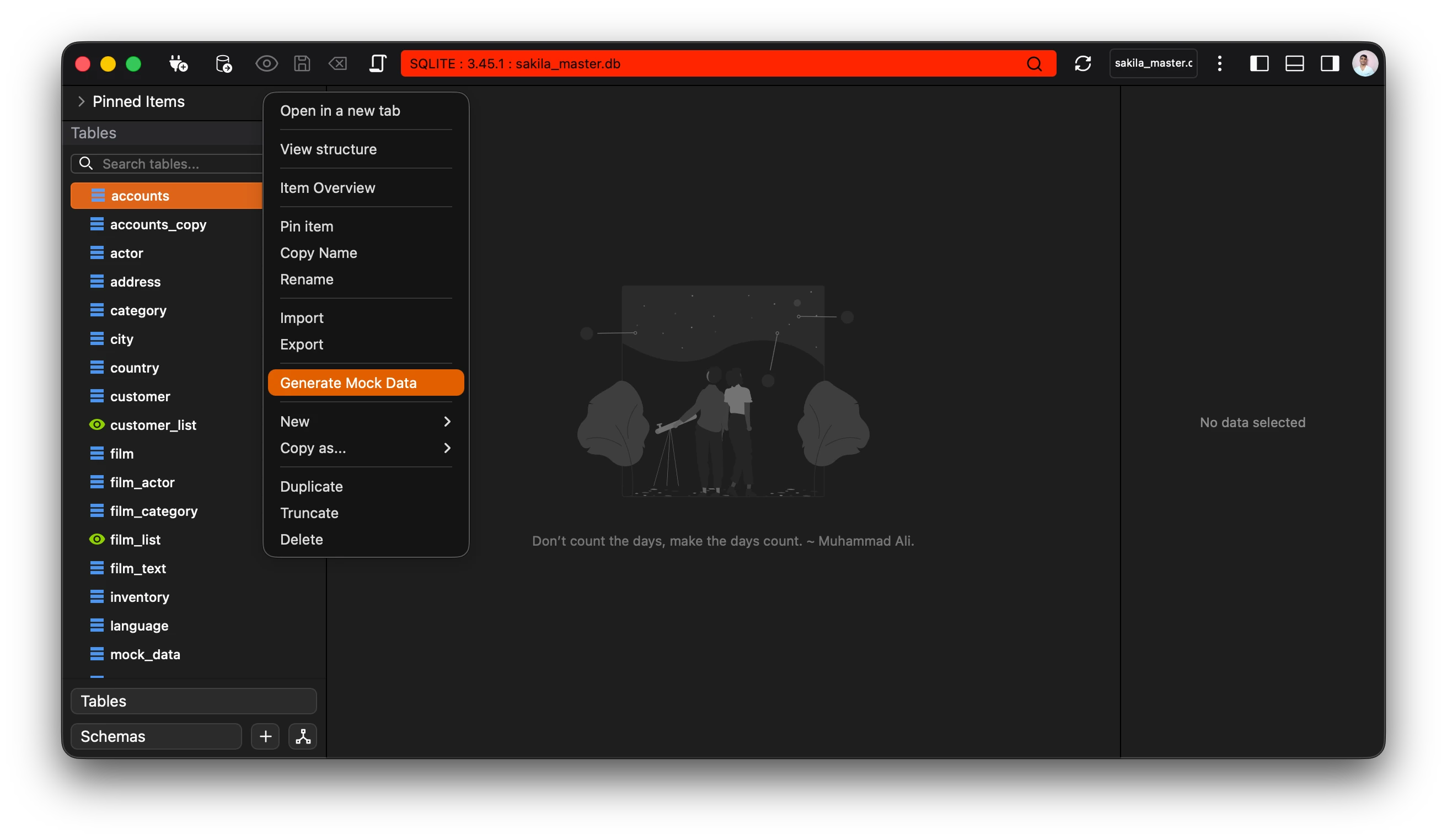
Section titled “Using the Generator”To use the generator select the table that you wish to populate with the mock data. The app automatically picks up the columns available and their data types.
Next you will be greeted with a seperate window showing you information about your table along with columns and the following options:
- Remove old data - Selecting this option clears the table and inserts data.
- Row count - The amount of rows to insert into the data.
- Batch size - The amount of rows to commit per transaction.
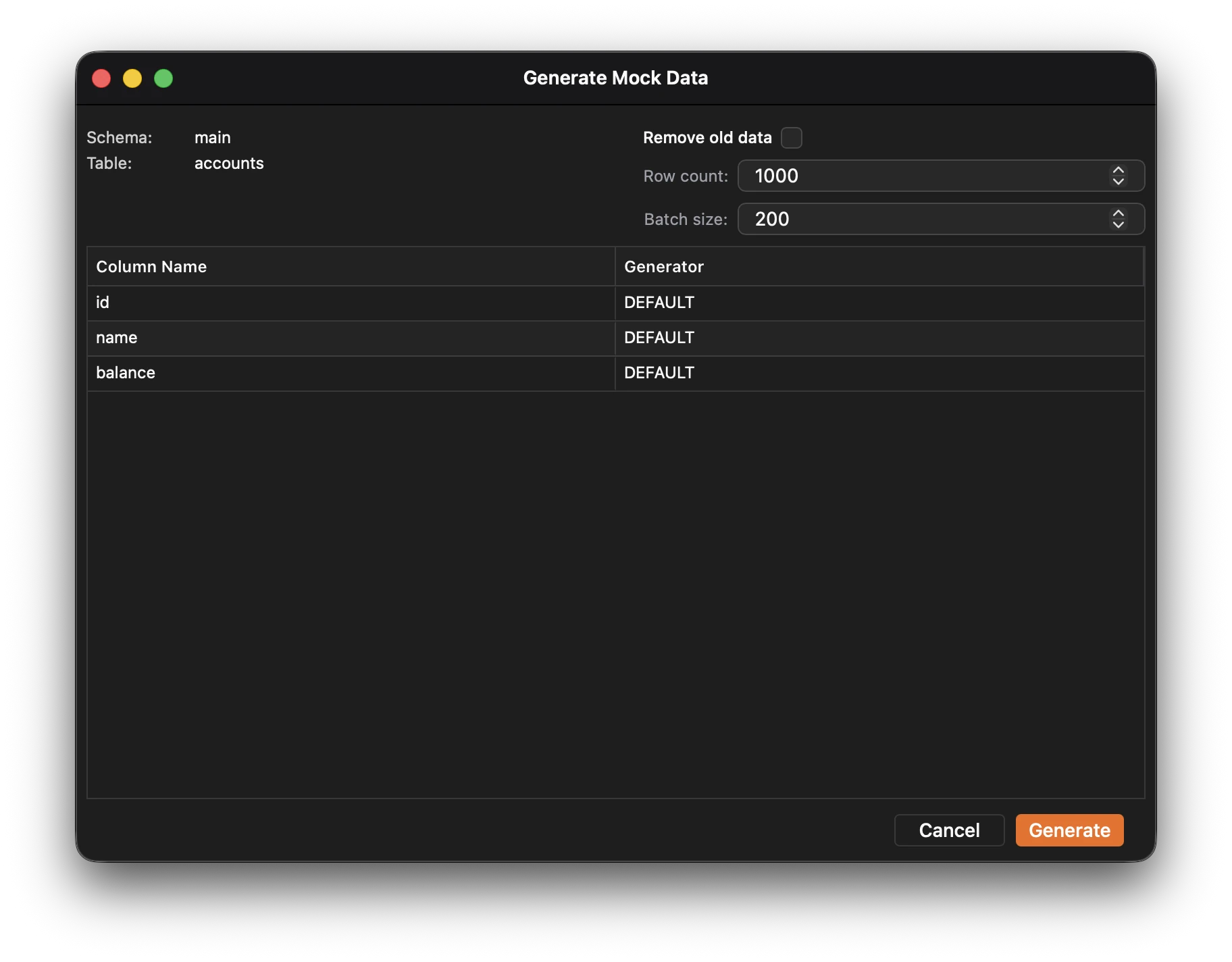
All the columns are preset with DEFAULT data types.
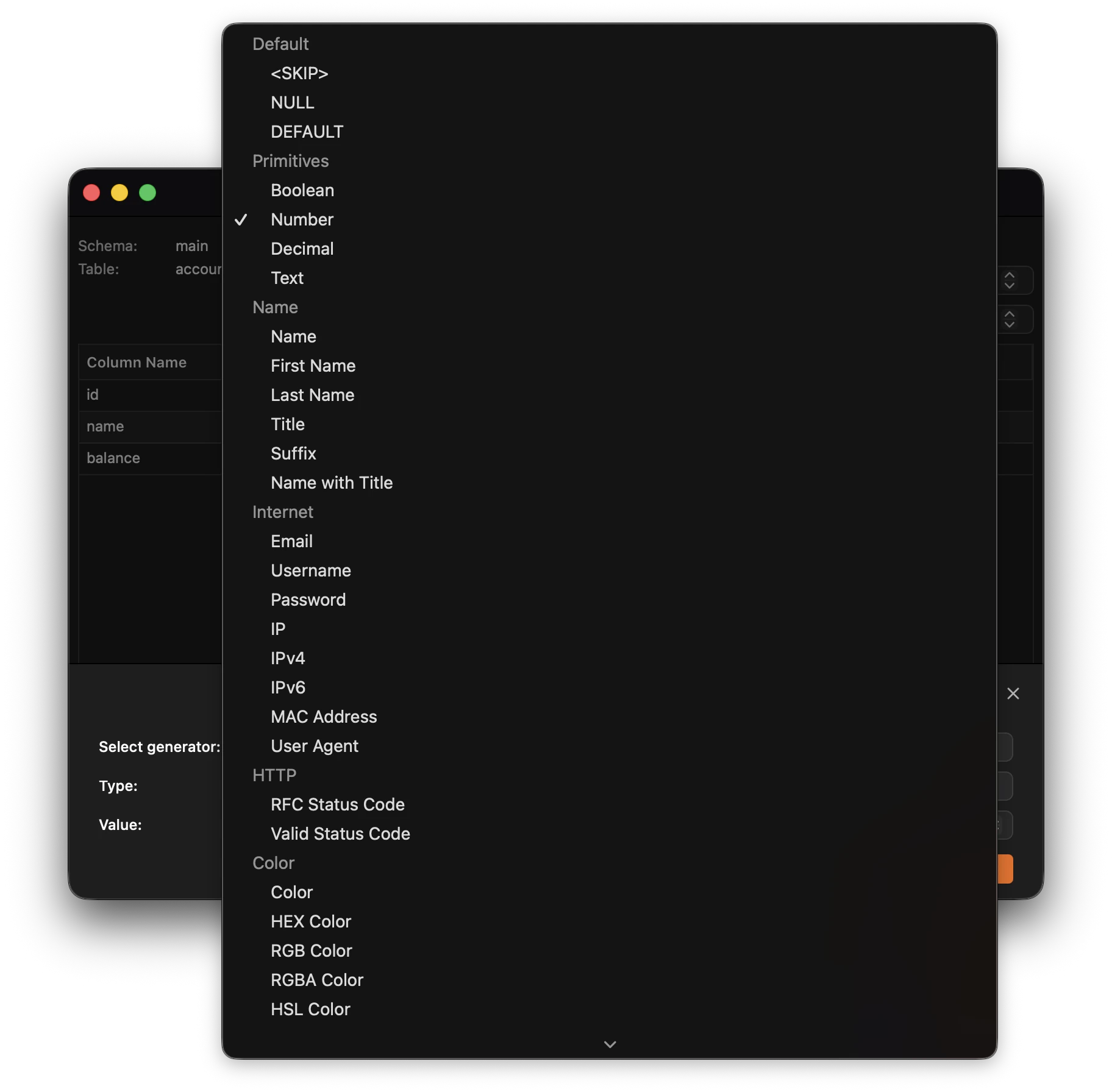
Select the data type from the dropdown menu and customize the data options.
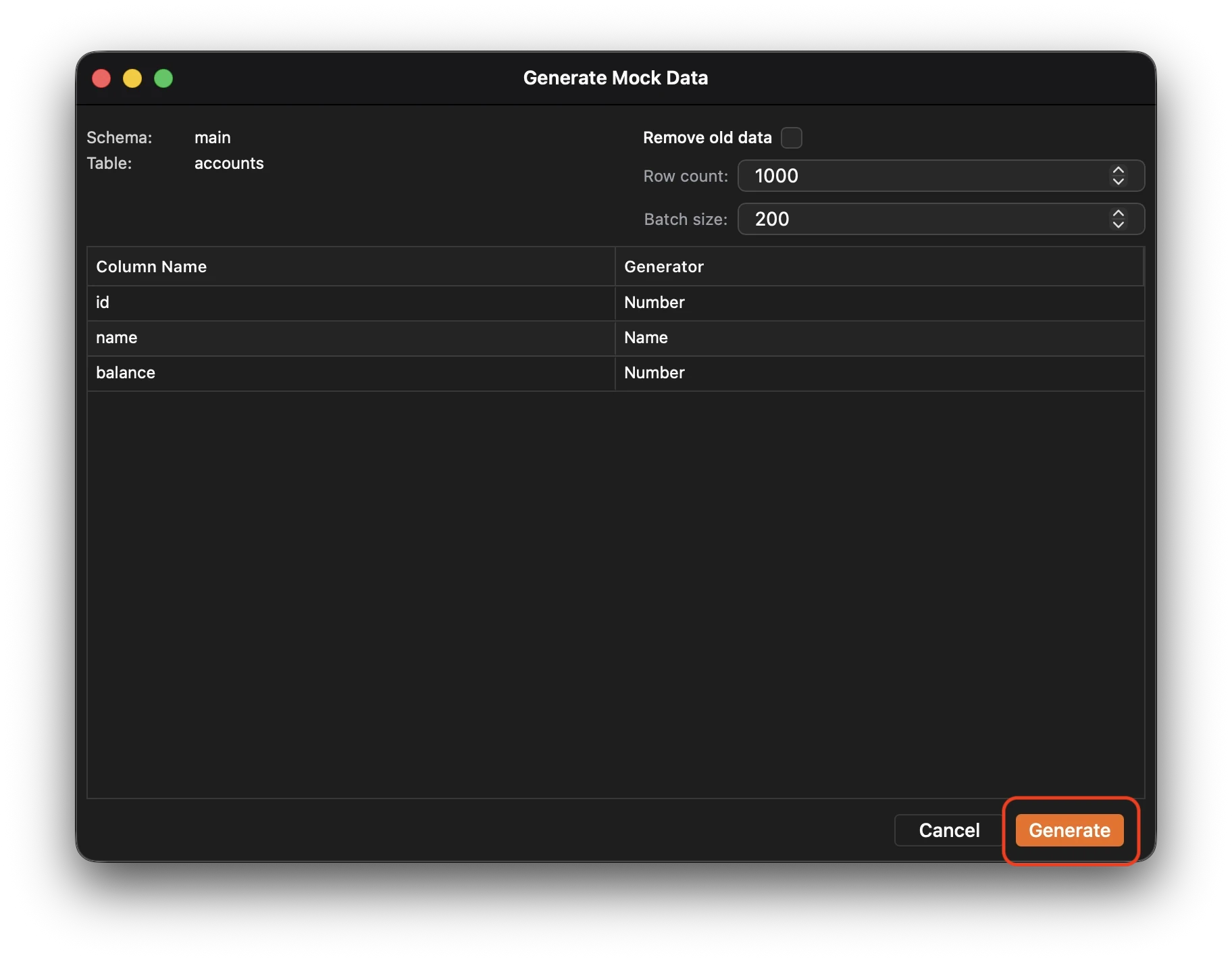
After you’re done click generate to start the mock data generation process.