
API Relay
API Relay
Section titled “API Relay”This relay enables the integration of apis and databases directly, providing a secure and flexible connection to all your data for development, testing or demos.
Accessing the API
Section titled “Accessing the API”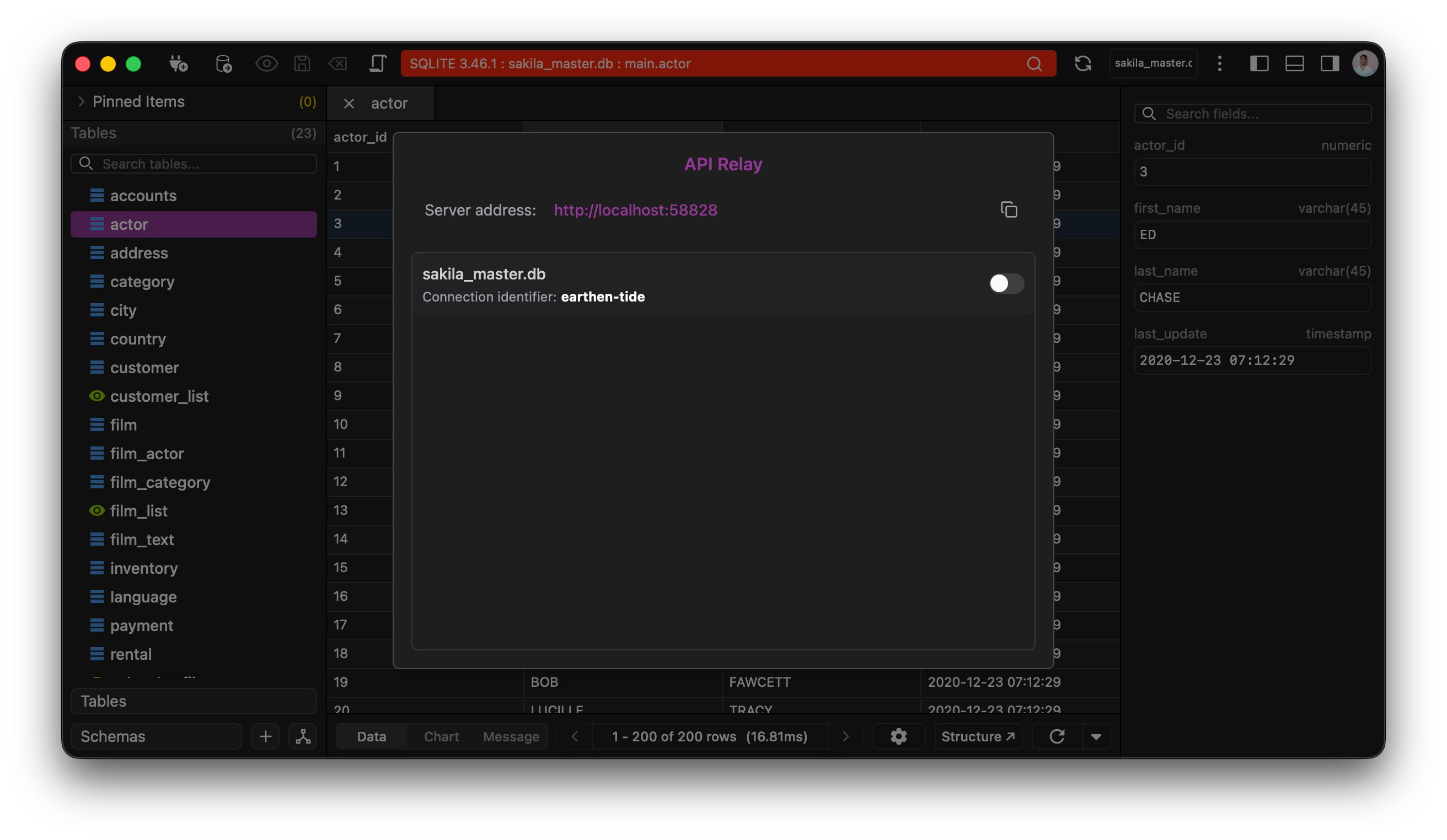
The server address for the api is found in the api option of the app.
Below the server address is a list of the connected connections and their status. The switch indicates whether the connection is accessible via the relay.
The api uses the following format:
http://[SERVER_ADDRESS]/[CONNECTION_IDENTIFIER]?query=SELECT 1;
Querying the data
Section titled “Querying the data”The api can be queried via your favourite api clients, this includes curl, bruno, postman etc.
The api takes two params:
- query
- force
Query param is used to supply the query to be run on the target database.
Force param allows you to execute all statements. By default it is set to false.
Only use the force param if you know what you are doing.
Responses
Section titled “Responses”Responses are returned in JSON format.
Eg: SELECT 1;
This will return response as follows:
[ { "1": "1" }]