
Extensions
Extensions
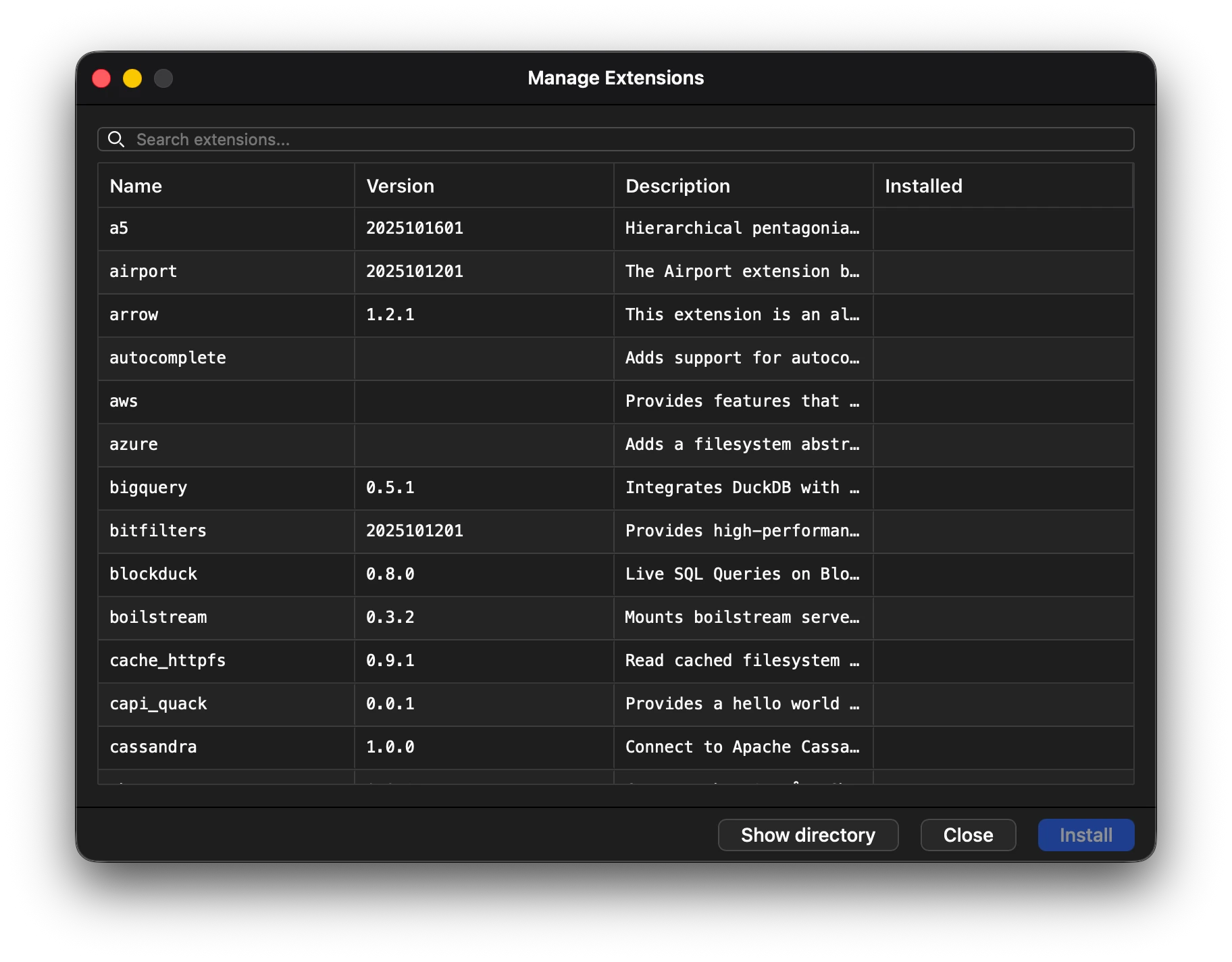
Section titled “Extensions”Managing duckdb extensions are available via the ui by going to the Toolbar > Databases > Extensions
Installing and Uninstalling an extension
Section titled “Installing and Uninstalling an extension”Open the manage extensions window and then click on select on the extension that is to be installed.
Installed extensions can also be uninstalled by selecting the extension clicking uninstall.
The user interface provides an easy way to manage your extensions without remembering commands for their manangement.
Searching for a specific extension is also available via the search bar located on the top of the window.
Note: After installing an extension the connection needs to be restarted in order for the extension to work.
Using custom extensions
Section titled “Using custom extensions”Custom extensions can be loaded by copying the file into the extensions directory of the app.
The extensions directory can be opened by clicking the Show Directory button in the extensions manager.
Extensions are installed via the main and community repositories respectively.